Choose a Free Trend Indicator MT4 Download With Care
Searching for “trend indicator mt4 free download” can lead to useful tools, abandoned code or files that ask for far more access than a chart indicator needs. The safest choice is not necessarily the one with the brightest arrows or the longest list of features. It is the one whose source, calculations, permissions and limitations you can understand.
Before downloading anything, check whether MetaTrader 4 already has the tool you need. Then evaluate any custom indicator as software first and a trading aid second.
Start with the free indicators already in MT4
MT4 includes several standard indicators, so a separate download may be unnecessary. These built-in tools provide a useful baseline for deciding whether a custom trend dashboard adds meaningful information.
| Built-in indicator | What it helps assess | Main limitation |
|---|---|---|
| Moving Average | Price direction relative to a smoothed historical average | Lags price and can produce repeated crossings in sideways markets |
| MACD | Momentum through the relationship between moving averages | Crossovers can be misleading when price lacks a sustained trend |
| Average Directional Movement Index (ADX) | Trend strength, with directional context from the DI lines | The main ADX line does not identify direction by itself |
A moving average may be enough if your only question is whether price is above or below a defined trend filter. A dashboard combining several indicators needs to offer more than a convenient color change.
When reviewing a “trend indicator mt4 free download” result, ask what it adds beyond those built-in tools: clearer alerts, a documented calculation or a genuinely useful multi-timeframe view.
If you are unsure which measure fits your question, compare the roles of technical trend indicators traders actually use before installing another one. Several indicators derived from the same prices do not automatically provide independent confirmation.
Check the publisher and the license
Prefer a traceable publication history
Look for an identifiable author, a description of the calculation, version information and installation instructions. A change log can reveal whether the developer has addressed compatibility problems or corrected misleading signals.
The MQL5 CodeBase section for MT4 is one place to research publicly shared indicators. Check the individual entry, its discussion and any available source code. Hosting on a recognizable platform is a useful starting point, not a guarantee of safety or trading performance.
A credible “trend indicator mt4 free download” listing should tell you what the indicator measures and what files you are receiving. Screenshots of successful historical trades do not substitute for that information.
Be cautious when a download page sends you through unrelated websites, hides the author or makes the file available only through a private messaging account. Those conditions make it harder to establish provenance or obtain support.
Establish what “free” actually means
A download may be free to obtain but time-limited, restricted to a demo account or dependent on a paid service. Others are fully usable without payment but prohibit redistribution or modification.
Check the license and download conditions before providing an email address or installing anything. Look for expiry dates, account restrictions, external data requirements and paid features that are necessary for the advertised functionality.
If the terms are unclear, choose a better-documented alternative. You should not have to discover an essential subscription requirement after building a trading routine around the tool.
Inspect the files behind a “trend indicator mt4 free download”
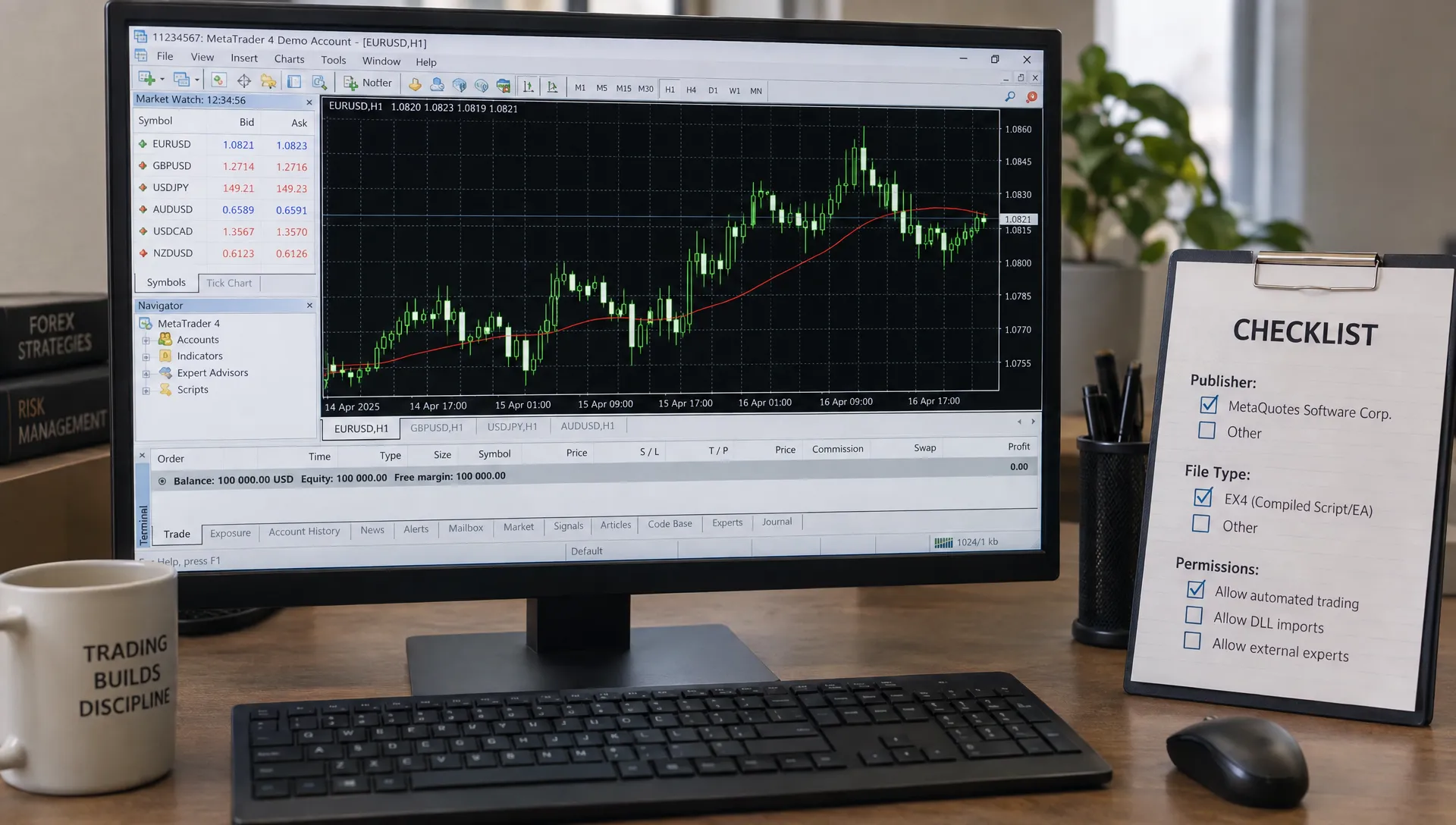
MT4 custom indicators commonly arrive as .mq4 source files or .ex4 compiled files. Source code can be inspected and compiled in MetaEditor. A compiled file can run in MT4, but it does not give the user the same straightforward view of its implementation.
Neither extension proves that a file is safe. An .mq4 file is more transparent only if someone qualified actually reviews it, including relevant dependencies. An .ex4 file still requires a trustworthy publisher and clear documentation.
Files ending in .mq5 or .ex5 are intended for MT5, not MT4. Renaming the extension does not convert them. Also distinguish an indicator from an Expert Advisor: the former analyzes and displays information, while the latter can automate trading.
Avoid packages that require you to disable antivirus protection, run an unexplained installer as administrator or enter broker credentials into an unrelated website. Be particularly cautious about DLLs or external connections whose purpose is not explained.
For any “trend indicator mt4 free download” package, unexplained access requirements are a reason to stop, not a routine installation hurdle.
Install cautiously in a separate demo environment
Use a separate MT4 installation connected to a demo account for initial evaluation. This keeps testing away from your live trading workspace, although it is not a security sandbox and does not make suspicious software safe.
For a conventional indicator file, the basic installation process is:
- Inspect the download first: Check the publisher, license, file contents and documented dependencies before placing anything in MT4.
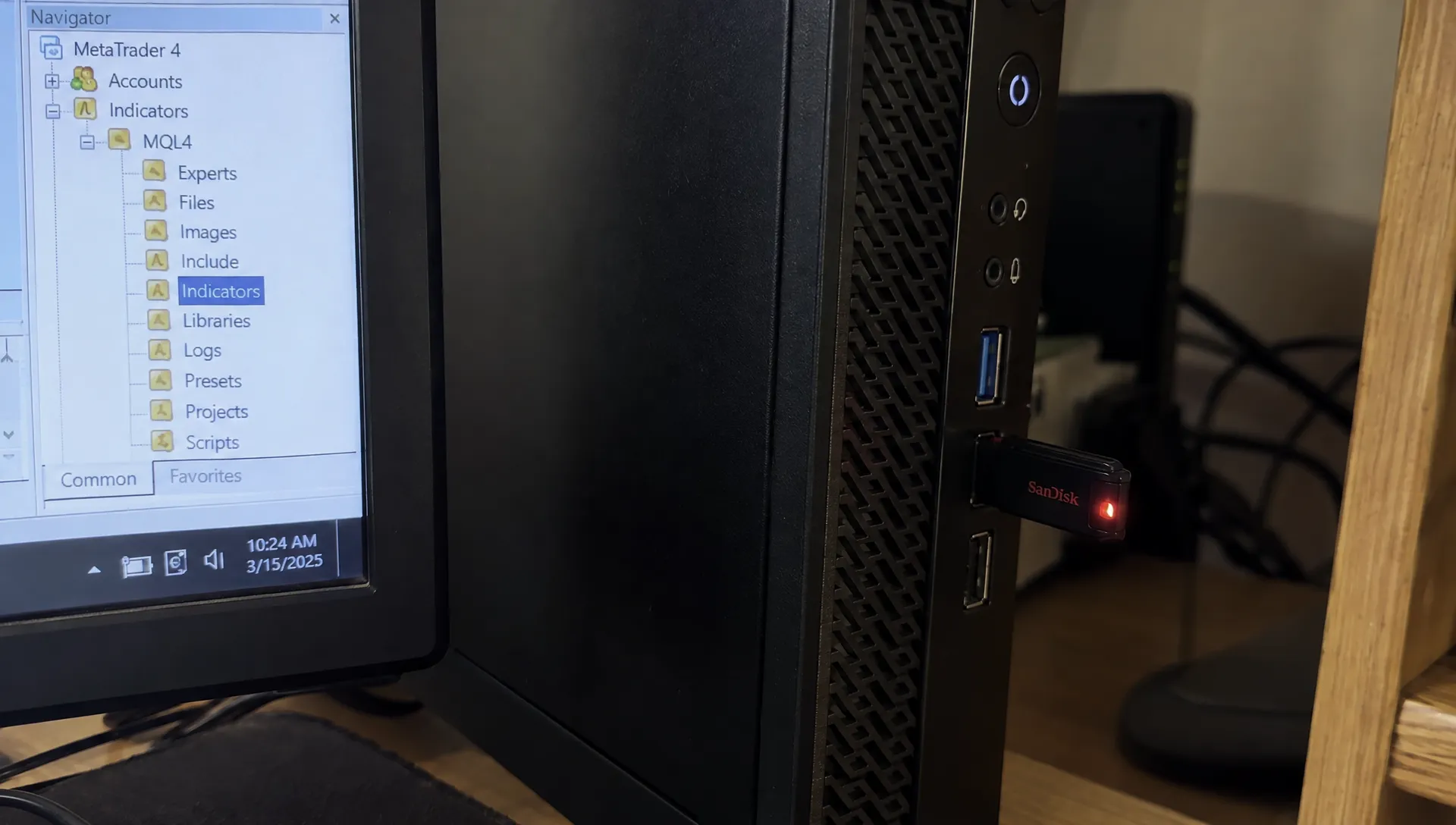
- Open the correct data folder: In MT4, select File, then Open Data Folder, and locate
MQL4/Indicators. - Place the appropriate files: Copy the reviewed indicator files into that folder, following the publisher’s instructions for any legitimate dependencies.
- Compile if needed: Open an
.mq4source file in MetaEditor and compile it. Investigate errors rather than installing unknown files to make them disappear. - Refresh and attach: Refresh the Navigator or restart MT4, then attach the indicator to a demo chart and review its inputs and permissions.
Keep DLL imports disabled unless a trusted, reviewed dependency genuinely requires them. Do not enable automated trading merely because an indicator’s instructions vaguely say to turn on every permission. Check the Experts and Journal tabs for loading errors or unexpected activity.
Successful installation of a “trend indicator mt4 free download” establishes only that it runs. It does not establish that its signals are stable, useful or profitable.
Reject claims that cannot be explained or checked
Treat historical arrows as a display, not a track record
A chart covered in well-placed buy and sell arrows can be misleading. Some indicators change signals as new prices arrive. Others use information from a still-open higher-timeframe candle, so a signal can disappear before that candle closes.
A changing value on the current candle is not automatically deceptive. The problem is presenting a historical chart as if every signal was available, unchanged, at the moment a trader needed to act.
Ask whether signals appear intrabar or only at candle close, whether completed signals can change and whether higher-timeframe inputs are confirmed. Record what appears in real time rather than relying solely on a chart loaded afterward.
Demand a definition of “non-repainting”
The label is incomplete without an explanation of which values remain fixed and when. A non-repainting tool can still lag badly, whipsaw in a range or generate trades whose costs exceed their gains.
Be skeptical of claims about guaranteed accuracy, no losses or universal performance across all markets. A credible description should explain unsuitable conditions as well as intended uses.
The download page for a “trend indicator mt4 free download” is not evidence of an edge. Once a tool passes the software checks, use a separate process to test an MT4 trend meter before trading. That evaluation should address signal behavior, realistic costs and performance on data not used to tune the settings.
Count the costs beyond the download price
A free indicator can still consume hours of setup, troubleshooting and monitoring. Alerts may encourage unnecessary trades, while extra dashboards can make a simple decision harder rather than clearer.
Before keeping a tool, define its role in one sentence. For example: “This indicator filters out long entries when the closing price is below my chosen moving average.” If you cannot explain what decision it improves, it may be adding clutter.
Choosing a “trend indicator mt4 free download” does not remove spreads, commissions, slippage or the risk of losing capital. Availability at no charge should never influence how much you put at risk.
Keep trading funds separate from money needed for essential expenses. For business owners, that includes payroll, taxes and operating reserves. If deciding how much cash the business must retain is the underlying problem, CFOLab’s part-time CFO support for small businesses addresses financial planning rather than chart signals. An indicator cannot determine whether business cash is genuinely available for speculative trading.
The purchase price may be zero, but the capital decision still needs its own boundaries.
Frequently asked questions
Where can I find free MT4 trend indicators? Start with MT4’s built-in indicators. For custom tools, research traceable developer publications and the MT4 section of the MQL5 CodeBase. Evaluate each file separately rather than treating the host website as a blanket endorsement.
Is an .mq4 file safer than an .ex4 file? An .mq4 file exposes source code for inspection, which can improve transparency. It is not automatically safer, especially if you cannot review the code or its dependencies. Publisher credibility and permission requirements still matter.
Can I install an MT5 indicator in MT4? Not directly. MT5 indicators use different source and compiled formats. You need an MT4-compatible version or a proper code conversion, not a renamed file.
Does “non-repainting” mean an indicator is profitable? No. It describes signal behavior, not expected returns. Stable signals can still be late or unsuitable for the market, and trading costs can turn apparently useful entries into losing trades.
What should make me reject a download immediately? Reject a “trend indicator mt4 free download” that requires disabling security software, sharing credentials with an unrelated service or granting unexplained access. Missing documentation is also a good reason to choose a different tool.
Put chart signals in a broader investing context
Keep an indicator only when it has a clear purpose, understandable behavior and permissions you can justify. Built-in tools remain a reasonable choice when a custom download offers no demonstrable improvement.
For broader portfolio research, Upside Invest offers verified investor holdings, portfolio comparisons and anonymous profiles. Those insights can help you explore allocations and investor trends without treating a chart signal as a complete investment thesis. Keep portfolio research, software-safety checks and trade validation as separate decisions, and do not copy a holding or act on an alert without considering your own risk.